
Police Chief Simulator Controls
Keyboard and mouse bindings for the station, inventory, and stamp desk.
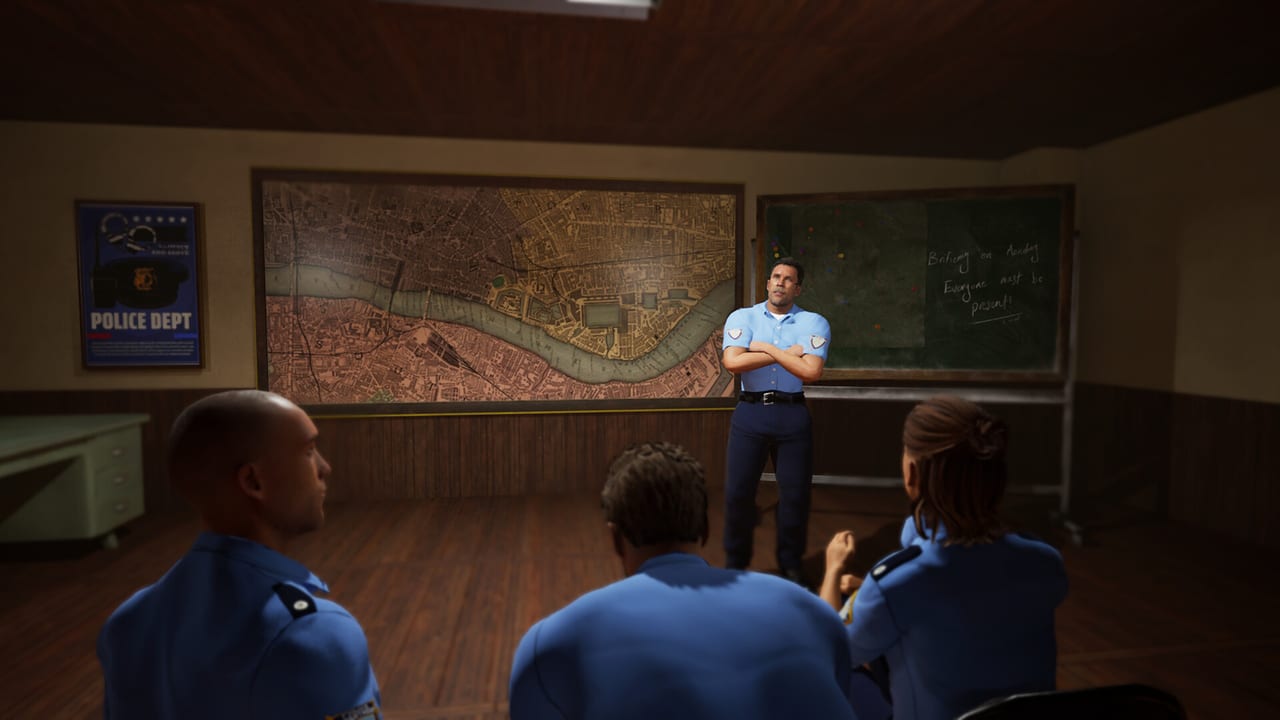
Police Chief Simulator is a first-person Unreal Engine sim. Mouse and keyboard are the intended setup. Steam Deck reports for the Prologue flagged missing on-screen prompts and a need for a virtual keyboard, so treat controller support as incomplete. This page lists the bindings chiefs actually use in the Prologue and Demo while waiting for the 17 September 2026 full launch.
Pair this page with Getting Started if you still need the first-hour order of tasks, or with station renovation if boxes and deliveries are the problem.
Movement and looking
Standard first-person movement applies:
| Action | Binding (default) |
|---|---|
| Move | WASD |
| Look | Mouse |
| Interact / confirm | Left click |
| Inventory | TAB |
| Placement mode | Ctrl while holding an item |
| Rotate placed item | Mouse wheel |
| Rename a save | R on the save slot |
Left click is overloaded on purpose. It talks to NPCs, picks up props, stamps forms, presses scanner lids, and confirms green-highlight placement. If a click does nothing, you are probably not highlighting a valid target, or a menu is still open.
Inventory (the binding people miss)
TAB is inventory. Creator comments repeat this because the game never feels like a loot RPG, so players never think to open a bag. You can stash several furniture boxes, forms, and tools, then walk the hallway once instead of six times.
A typical first-day load:
- Empty trash bags on the way to the dumpster
- Incoming furniture cartons from the delivery truck
- Spare registration forms
- Crowbar or broom if the station is still a wreck
Drop trash before you fill the bag with desks. The beginner tips page covers the “I carried one box for ten minutes” failure in more detail.
Placement mode
Hold an item, then hold Ctrl to enter placement mode. The ghost highlight turns green when the footprint is legal. Left click to set it down. Mouse wheel rotates yaw so a fax can sit square on a desk instead of hanging in the aisle.
Rules that save a shift:
- Open the carton first. A closed box is not a desk.
- Place the fax within a short walk of the stamp blotter. You will carry every accepted file there.
- Put the shredder beside the desk, not in the detective room. Rejects should never travel past the scanner.
- Leave a clear path from the entrance to the counter. Civilians queue; a sofa in the doorway is a traffic jam.
If the highlight stays red, another prop occupies the volume, or you are trying to seat a large cabinet in a half-renovated wing. Back up, rotate, or store the item and finish cleaning first.
Desk tools
The stamp desk is its own little control set:
- Hover a waiting civilian and left click to take the form.
- Inspect fields. Use the magnifying glass only when something looks off; it spends energy.
- Green stamp accepts. Red stamp rejects, then you pick a rejection cause. Forgetting the cause fails the reject.
- Carry accepted files to the fax. Carry rejects to the shredder.
- The scanner is for detective-room case files, not for garbage paperwork. See how to solve cases.
The rotary phone is an interactable, not a key bind. Walk up, click, and listen to Ron. The same phone later becomes the ordering line for furniture and supplies.
Driving and the old patrol car
The Demo and full-game marketing put you behind the wheel of a worn county cruiser. Driving uses the usual WASD plus look; treat the car as a delivery van as much as a pursuit unit in the early hours. A February 2026 news post (“Rusty Resurgence”) framed the first drive as a milestone, and a September 2026 post teased environmental destruction for the full version — fences and scenery that give during a chase. Those systems are not the Prologue’s focus. Learn the desk first, then take the car out with the map guide open.
Menus, saves, and localisation
Prologue Hotfix #8 added R to rename save files and filled missing control-menu localisation. If a prompt is still in the wrong language, check the in-game language list (eighteen interface languages, English full audio) and the system requirements page for Steam Deck caveats.
There is no published official “rebinding bible” beyond the in-game controls screen. If a future full-game patch adds extra binds (weapon, cuffs, radio), this page will follow the patch notes feed. Until 17 September 2026, assume mouse, TAB, Ctrl, and the two stamps are the skill ceiling.
Accessibility notes
The Prologue’s Steam Deck report called the title Unsupported on Deck because graphics could not be tuned well and some functions needed a touch keyboard. Mouse aim plus tiny stamp text is also hard on a living-room TV. Play at a desk. If you need a bigger UI, sit closer — there is no advertised large-text mode yet.
When the bindings feel fine but the shift still fails, the problem is usually process, not keys. Return to Getting Started or the first-day checklist.
Frequently Asked Questions
Quick answers to the most common questions.
What is the inventory key in Police Chief Simulator?
TAB. Stash multiple boxes so you are not walking the hallway with one carton at a time.
How do I place furniture?
Hold the item, hold Ctrl for placement mode, rotate with the mouse wheel, and left-click when the ghost is green. Open cartons first.
Is there full controller support?
Keyboard and mouse are recommended. The Prologue’s Steam Deck report required a virtual keyboard for some functions. Check the in-game controls menu after each patch.
How do I rename a save?
Prologue Hotfix #8 added the R key on the save slot. Details live on the patch notes page.