
Police Chief Simulator First-Day Station Checklist
A punch list you can follow without rereading a full walkthrough.
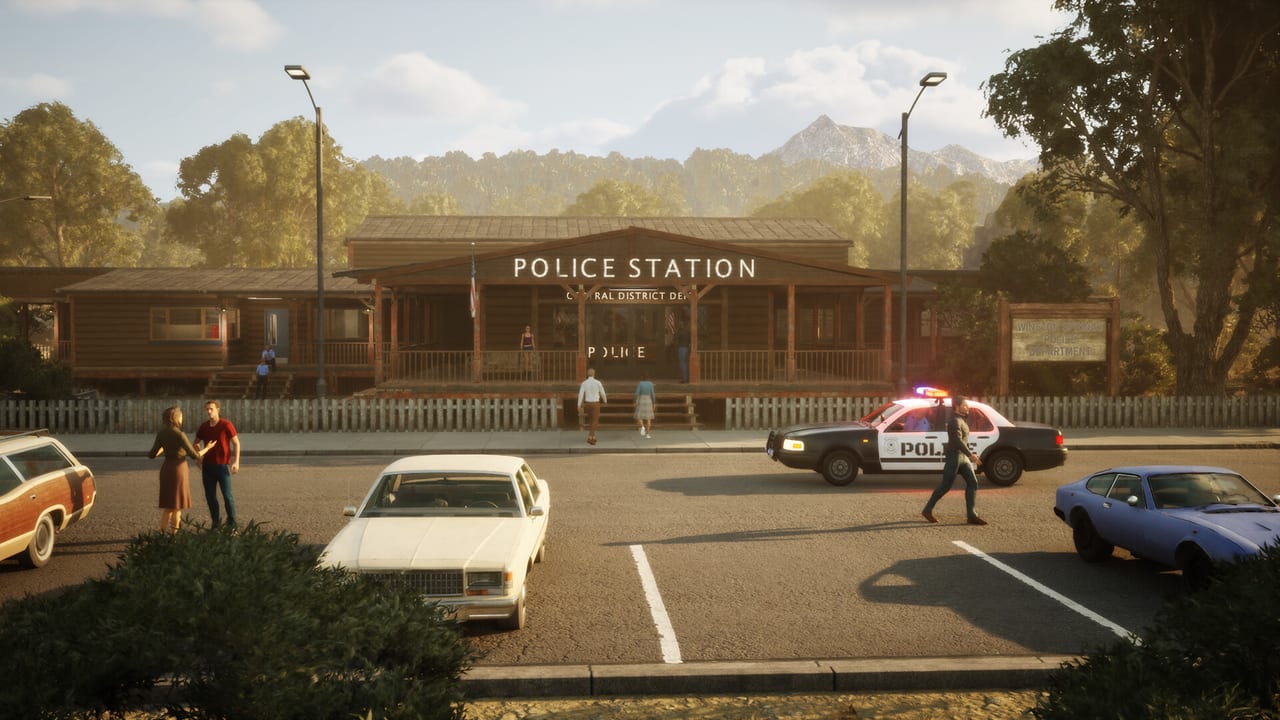
This is the short list. Use it on a second monitor while Police Chief Simulator runs. For the why, open Getting Started. For binds, open controls. The full game is still scheduled for 17 September 2026; the boxes below match the Prologue and Demo first hour.
Tick mentally. If a box fails, the linked guide is the long version.
Before you unpause
- Confirm the system requirements on this PC, not on a different tower.
- Pick a language in Steam (eighteen ship; English has full audio).
- Know that this is Perfect Circle Team’s sim, not another game named Police Chief.
- Keep TAB in your head: inventory.
Arrive and restore
- Find the county station (flag, “POLICE STATION” sign, Central District).
- Restore power before you clean in the dark.
- Walk every unlocked room once so you know registration versus detective versus boarded wings.
- Answer the rotary phone. Ron Dunn is the quest log.
Clean without being a hero
- Bag trash to the dumpster. Do not store garbage in TAB.
- Leave a truck path through the lot.
- Open the barrier when a delivery or the pawn-shop run needs it.
- Stash multiple cartons in inventory instead of one-box trips. Details in renovate.
Buy function, not vibes
Order or pawn-shop the following before décor:
- Registration forms (plus a spare pack)
- Fax machine
- Shredder
- Printer paper
- Detective desk, scanner, evidence board — only after the front desk can fax
Open cartons, then Ctrl placement, rotate with the wheel, click on green. Sealed boxes are not desks.
Desk geometry
- Fax within two steps of the stamp pad.
- Shredder on the same run.
- Scanner in the detective room only.
- Queue line from the door to the counter stays clear.
Open for business
- Throw the open lever. Furniture alone does not invite civilians.
- Left-click a highlighted visitor to take the form.
- Green stamp clean reports. Red stamp errors and mark a rejection cause.
- Magnifying glass only when a field looks wrong (it costs energy).
- Fax accepted files. Shred rejects. Never scan rejects.
- Confirm the wallet moved after the first fax. If not, you did not fax. See solve cases.
End of first shift
- At least one accepted file has gone to HQ.
- Spare forms sit in TAB or on the tray.
- A save renamed with R exists before you tear down walls.
- You have not hired a full roster yet. Hiring waits until the queue beats you.
- If the build allows streets, you know the pawn-shop route; you do not need every district on day one.
First-day failure table
| Symptom | Check |
|---|---|
| Nobody enters | Lever, forms, power |
| No money | Fax, not just stamps |
| “No reason to reject” | Missing rejection cause |
| Energy gone | Magnifying glass overuse |
| Placement red | Sealed box, blocked footprint |
| Truck waiting | Barrier |
| Scanner full of junk | Those files belonged in the shredder |
After the checklist
Read beginner tips if two or more rows in that table fired. Compare your build to the Prologue versus full page if you expected a gang-leader chase on hour one. Wishlist the 17 September campaign from official links only after the desk feels like a tool you understand, not a cutscene you watched.\n\nOne extra pass before you quit the first session: walk from the door to the fax with an accepted file in hand. If that path is blocked by a sofa, a sealed carton, or a delivery truck, the checklist is not done. Clear the route, fax the file, then save.
Frequently Asked Questions
Quick answers to the most common questions.
What is the first thing I should do in Police Chief Simulator?
Power, then trash, then fax and shredder, then the open lever. The list above is the order.
Why is my first-day checklist failing on patrols?
The Prologue may not want street work yet. Finish the desk. See prologue versus full.
Do I hire someone on day one?
Usually no. Hire when the queue beats you. Read hire staff.
Where is the long tutorial?
Getting Started is the long version of this checklist.